
Part of Your Website
The booking form is a section of your own site, in your colours and your languages. Nobody is sent to a portal where the restaurant next door is one click away.

AI tools have moved past the hype phase. For smaller businesses, the question is no longer whether the technology is real, but where to start using it.

Most companies already have a website. The real question is whether yours is actually working for you, from page speed to SEO to the words on the homepage.
Guests and customers book a table or a time on your own website, at any hour. Every booking lands in one list, and their details stay with you.


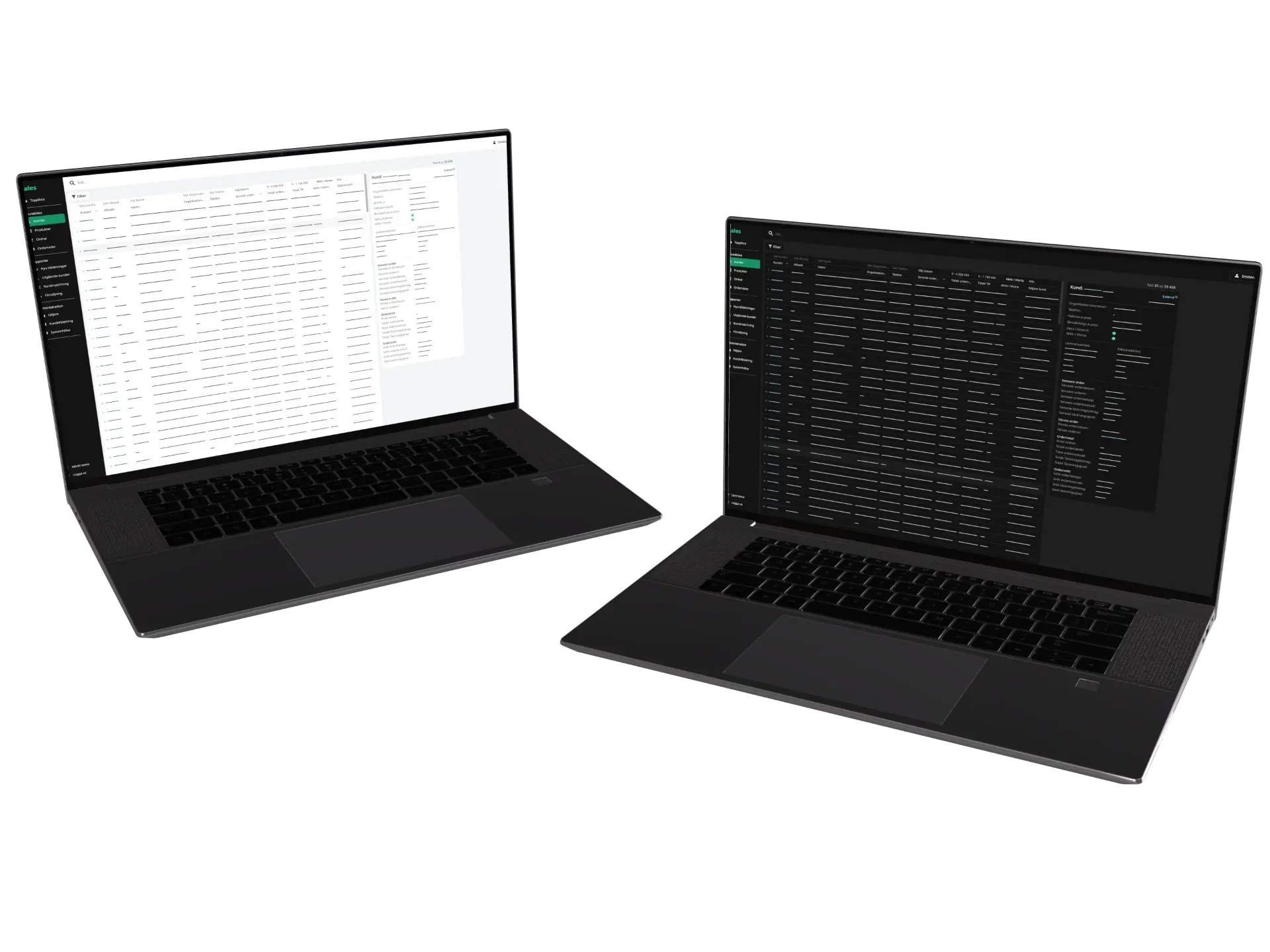
Today's bookings sit in one list on the computer and in the phone app, with a notification for each new one. A booking taken over the phone is added to the same list, so the count of free seats is always right.

A table for six, an hour with an advisor and a seat on a boat tour all come down to room for a set number of people at a set time. That makes the same tool fit a restaurant, a clinic and a consultant.
Your rules go in first and the form goes on your site. After that the bookings arrive in your list.

You tell us your opening hours, how many you seat and how long a booking lasts. Closed days, holidays and the summer season get their own hours.

The booking form goes on the pages where guests look for it, styled like everything around it. On a site we already host there is nothing more to install.

New bookings show up in your list and on your phone as they are made. Hours, capacity and closed days take a minute to change whenever the season does.
Already using a booking tool you like? Its booking page can be linked from your site instead.

Edit any text or image right where it appears on the page.

The design is made in the same app as the content, so a redesign needs no outside developer and no new launch.

Your own AI assistant writes, translates and fixes across the site. A person publishes.

Forms that belong to your site, bot protection the visitor never notices, and every message kept in one inbox.
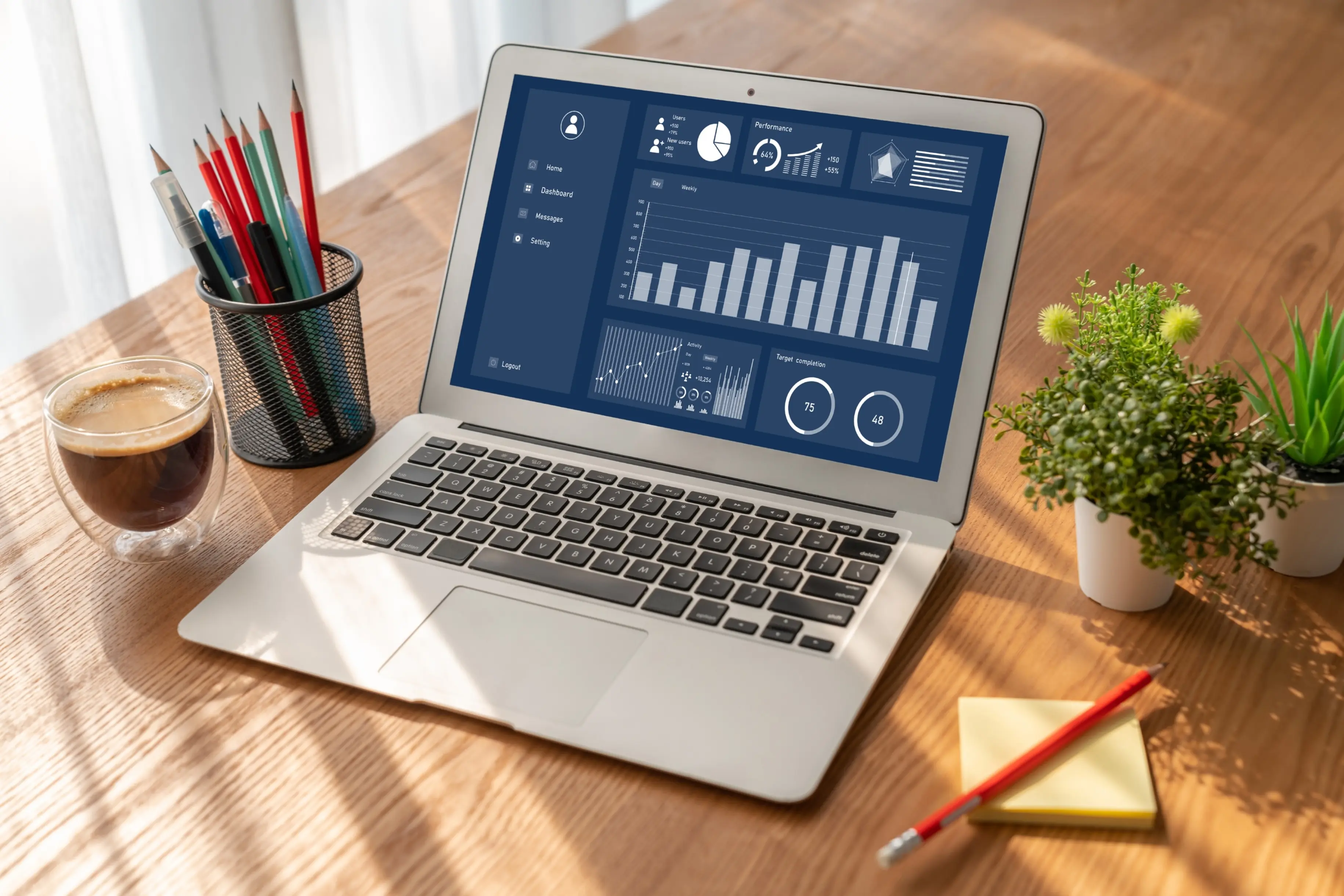
See which pages are read and where visitors come from, measured without cookies and without a consent banner.

The app reads every page in every language, names what is wrong and checks every minute that the site answers.

Edit, publish and read new messages from your phone. Coming to Android first, then iPhone.


