
Live Editing
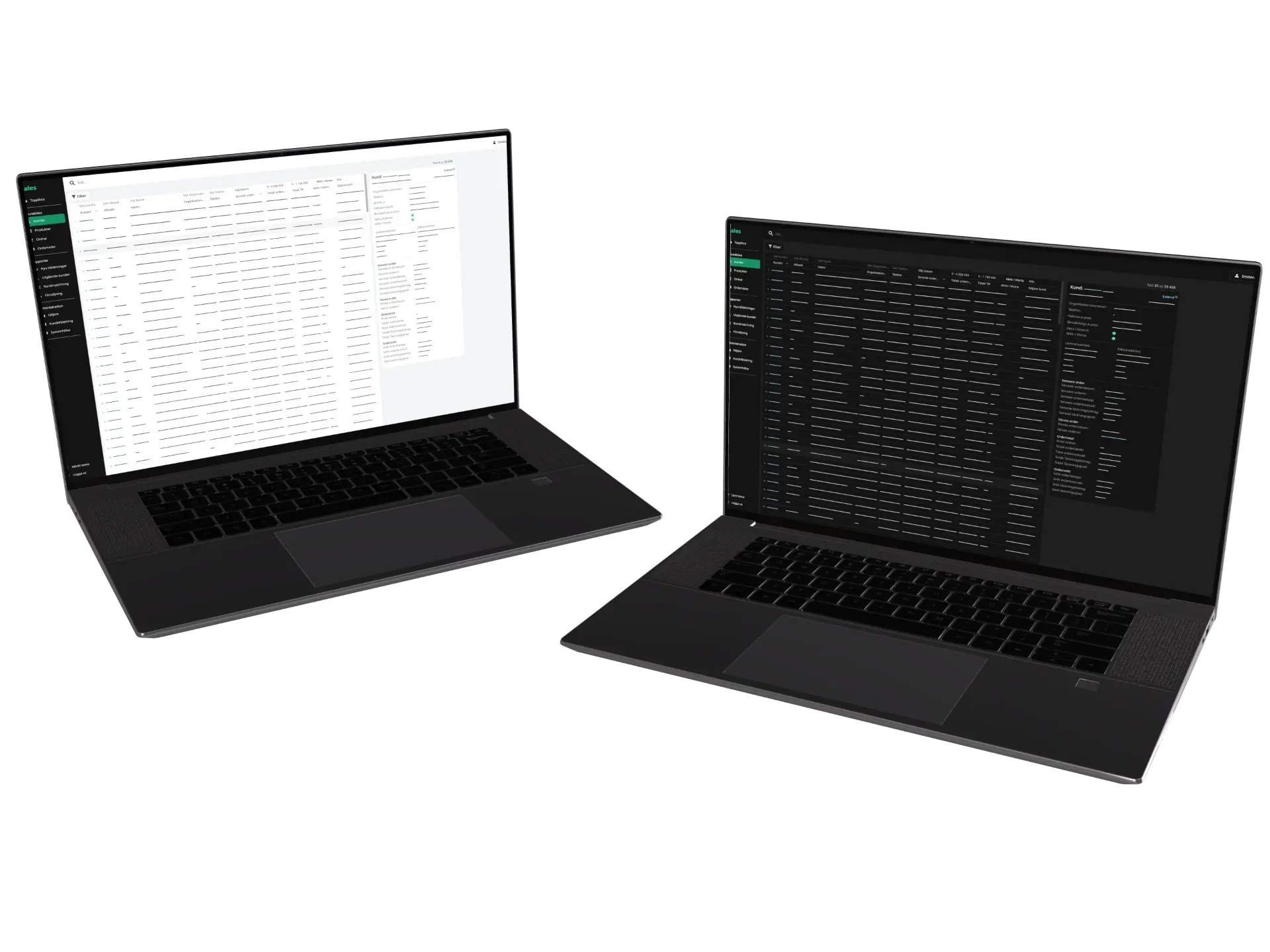
Click any heading, paragraph or image to edit it right there on the page, instead of in a form on another screen.
How It Works
Edit text and images, then publish. The app keeps old links working, makes every page searchable and controls who can publish.

Text
Click any heading, paragraph or button to start typing. Text pasted from Word or an email comes in clean.
Images
Click an image to replace it. The app creates every size phones and large screens need, and an image that's in use can't be deleted by mistake.

Save and Publish
Saving stores every change on the page at once. Visitors see nothing until you publish, and you can compare or restore any earlier save.

Addresses
Change a page's address and the old one keeps working, so links and search results never break.

Search
Visitors search every page in their own language, with no outside search service to pay for.
Roles
Contributors can write but not publish, so an editor approves every change before it goes live.
More in the App

Design
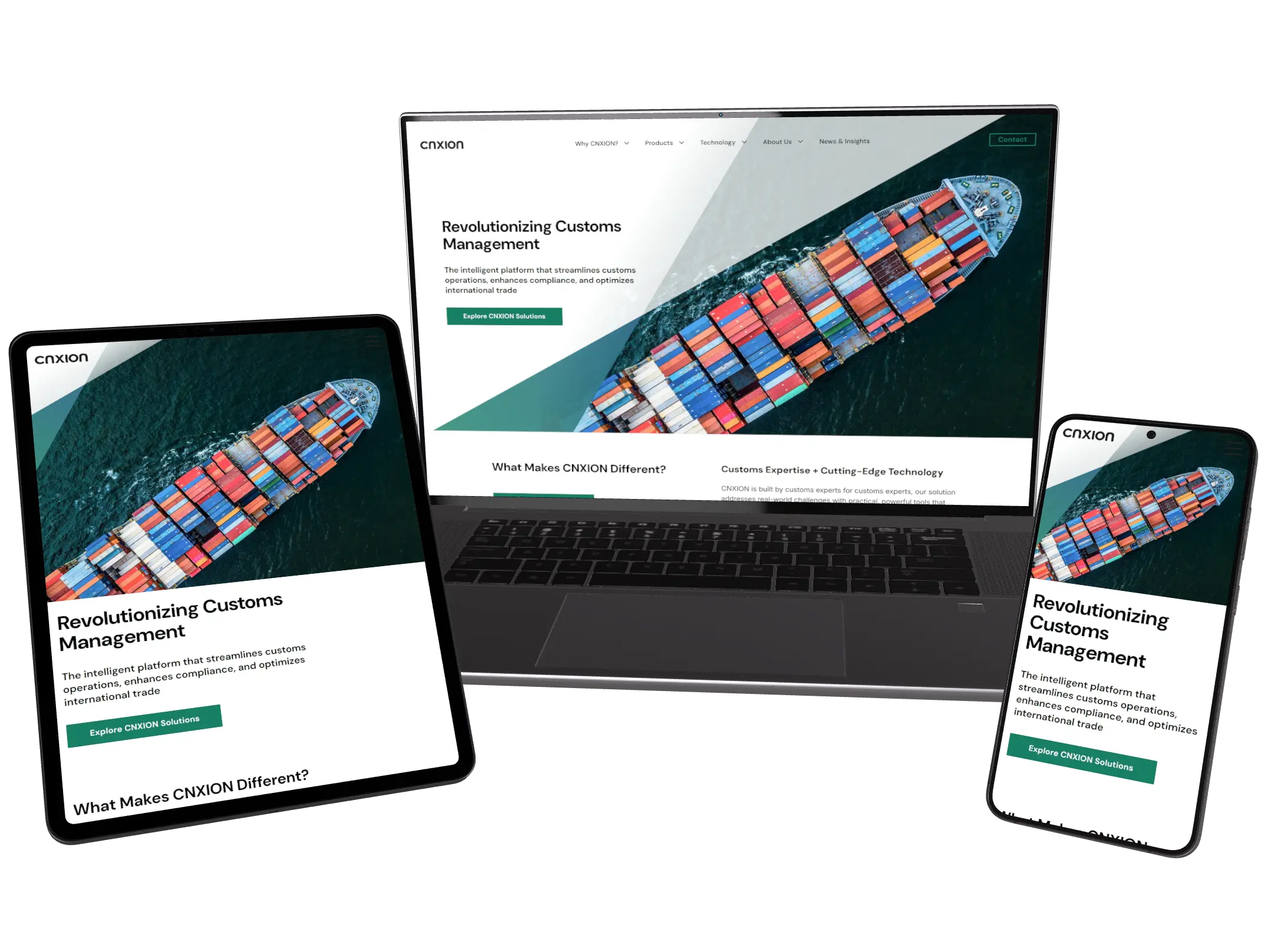
The design is made in the same app as the content, so a redesign needs no outside developer and no new launch.

AI Assistant
Your own AI assistant writes, translates and fixes across the site. A person publishes.

Forms & Inbox
Forms that belong to your site, bot protection the visitor never notices, and every message kept in one inbox.
Analytics
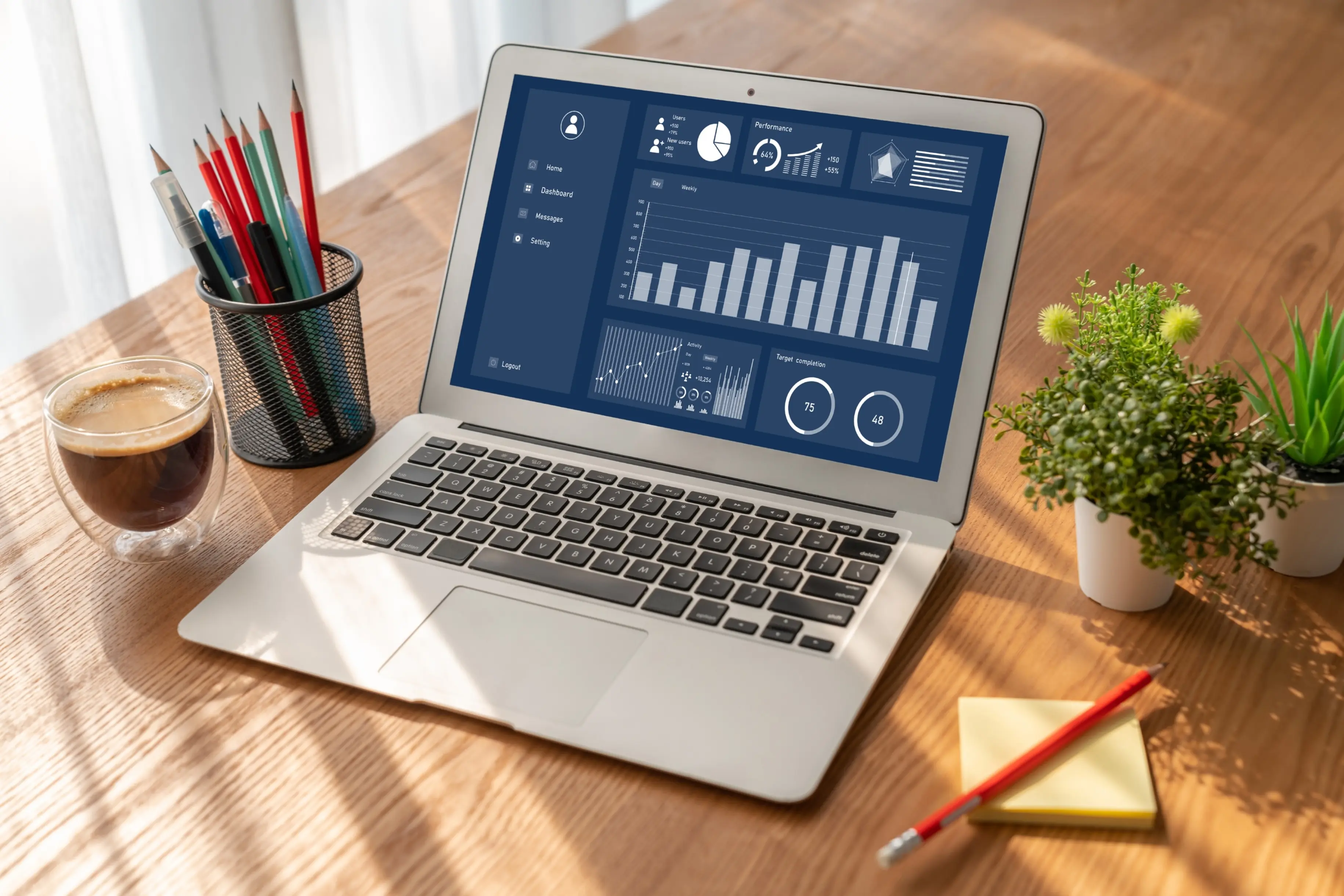
See which pages are read and where visitors come from, measured without cookies and without a consent banner.

Audit
The app reads every page in every language, names what is wrong and checks every minute that the site answers.

Phone App
Edit, publish and read new messages from your phone. Coming to Android first, then iPhone.

Online Booking
Table and time booking on your own website. 49 €/month, no fee per booking


