
Svelteload

The stack behind every Nodebrush website. SvelteKit and Payload CMS, self-hosted Postgres and media, multilingual editing, and an AI connector that drafts changes for a human to publish.

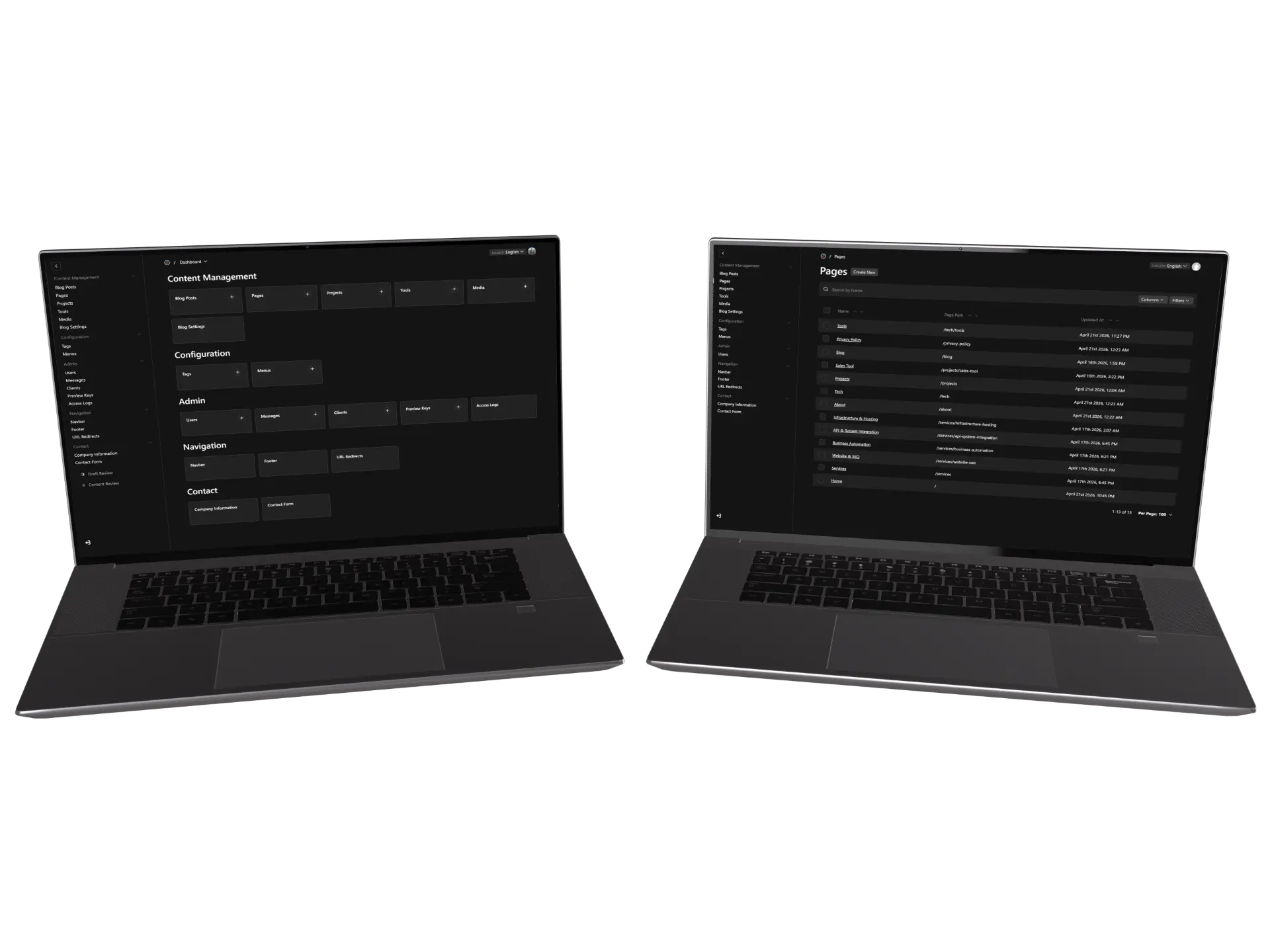
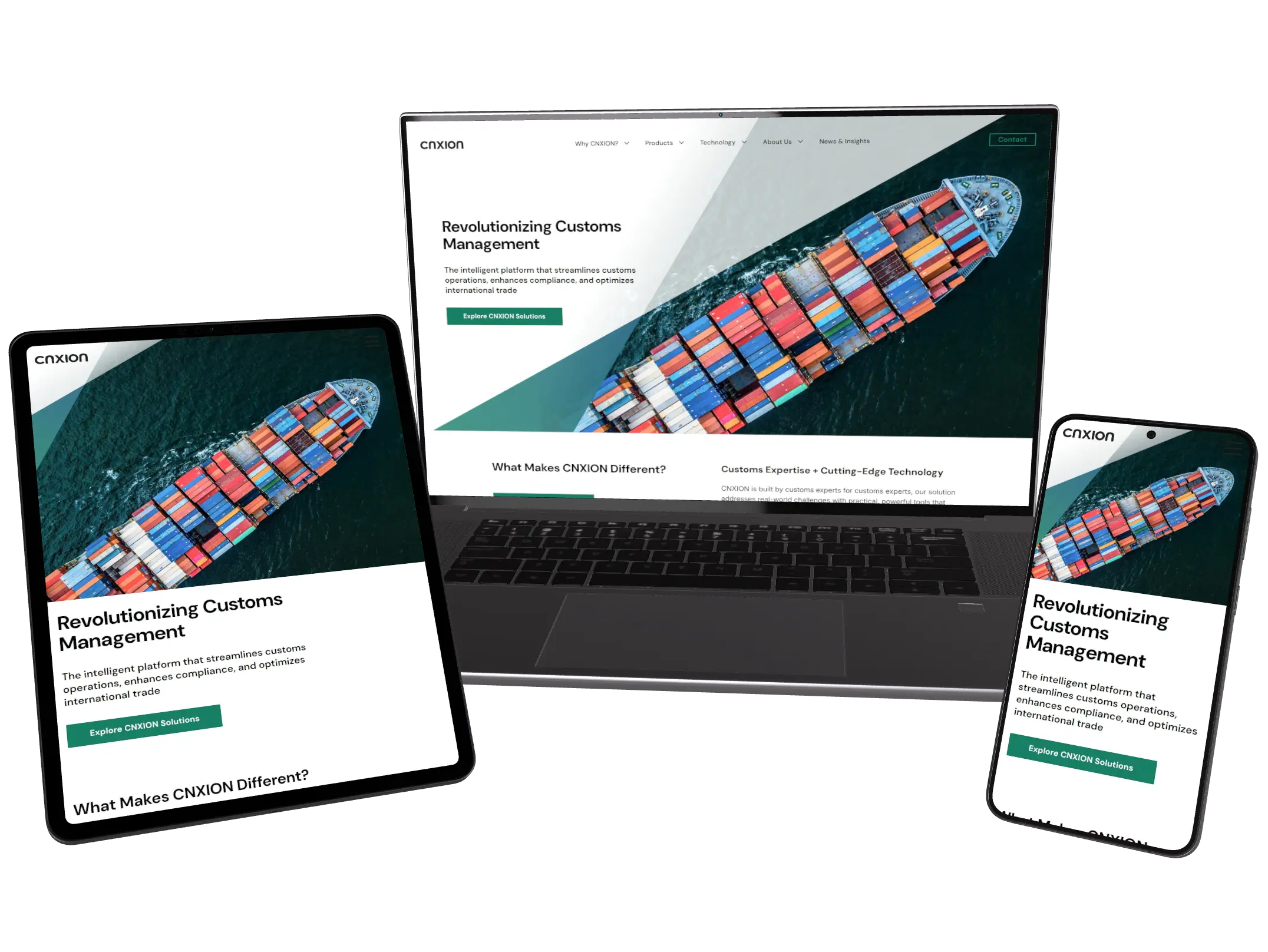
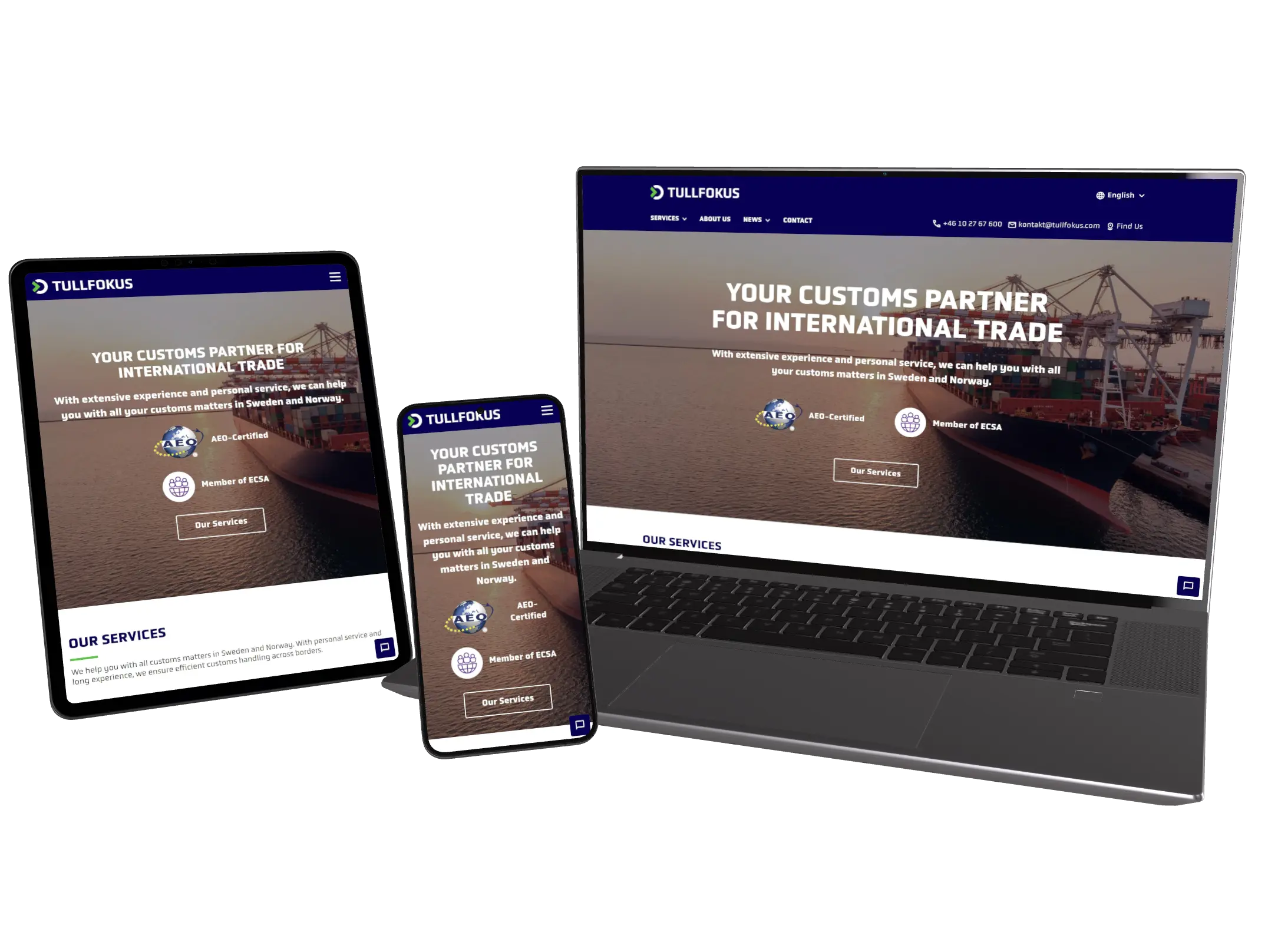
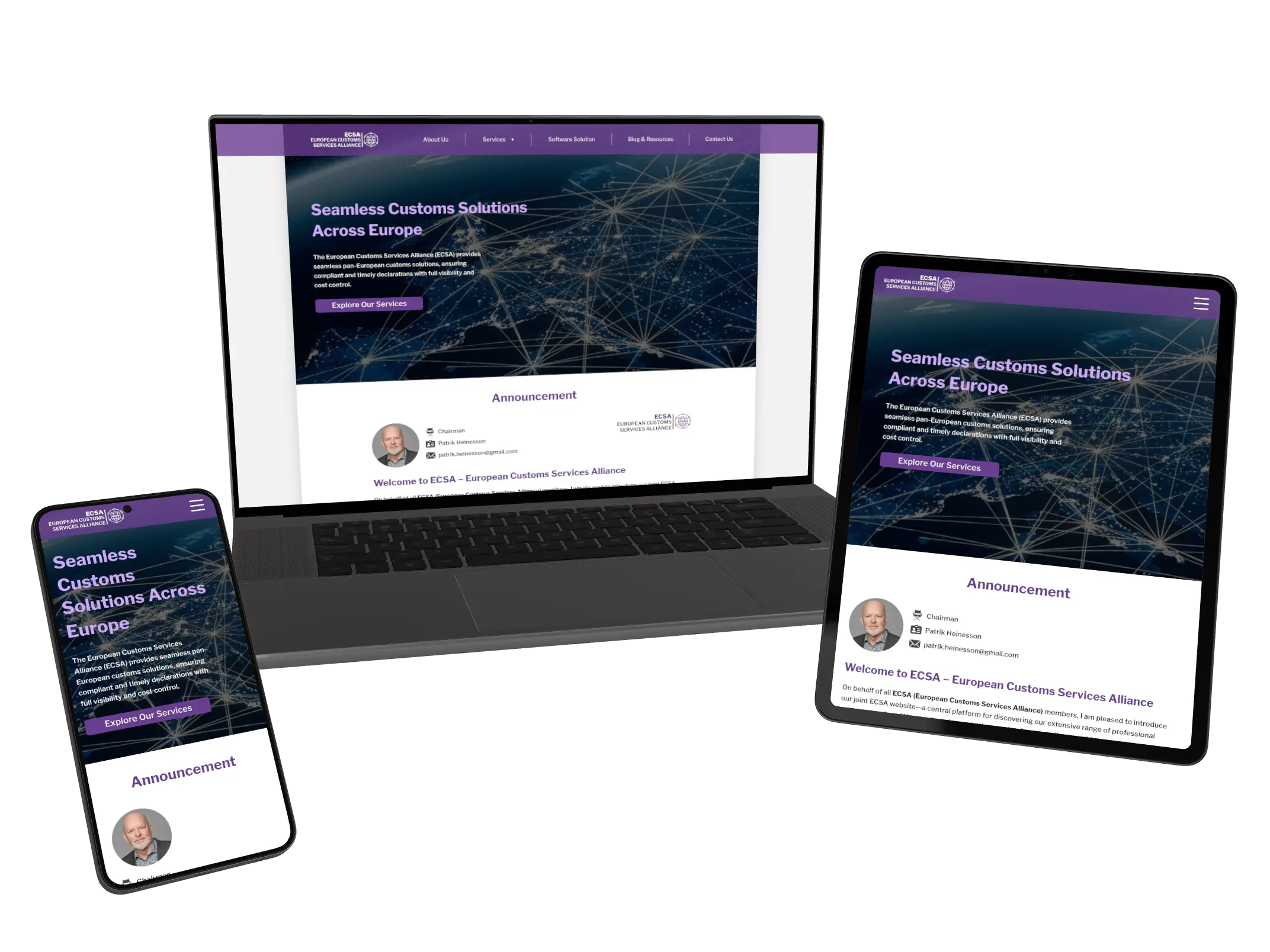
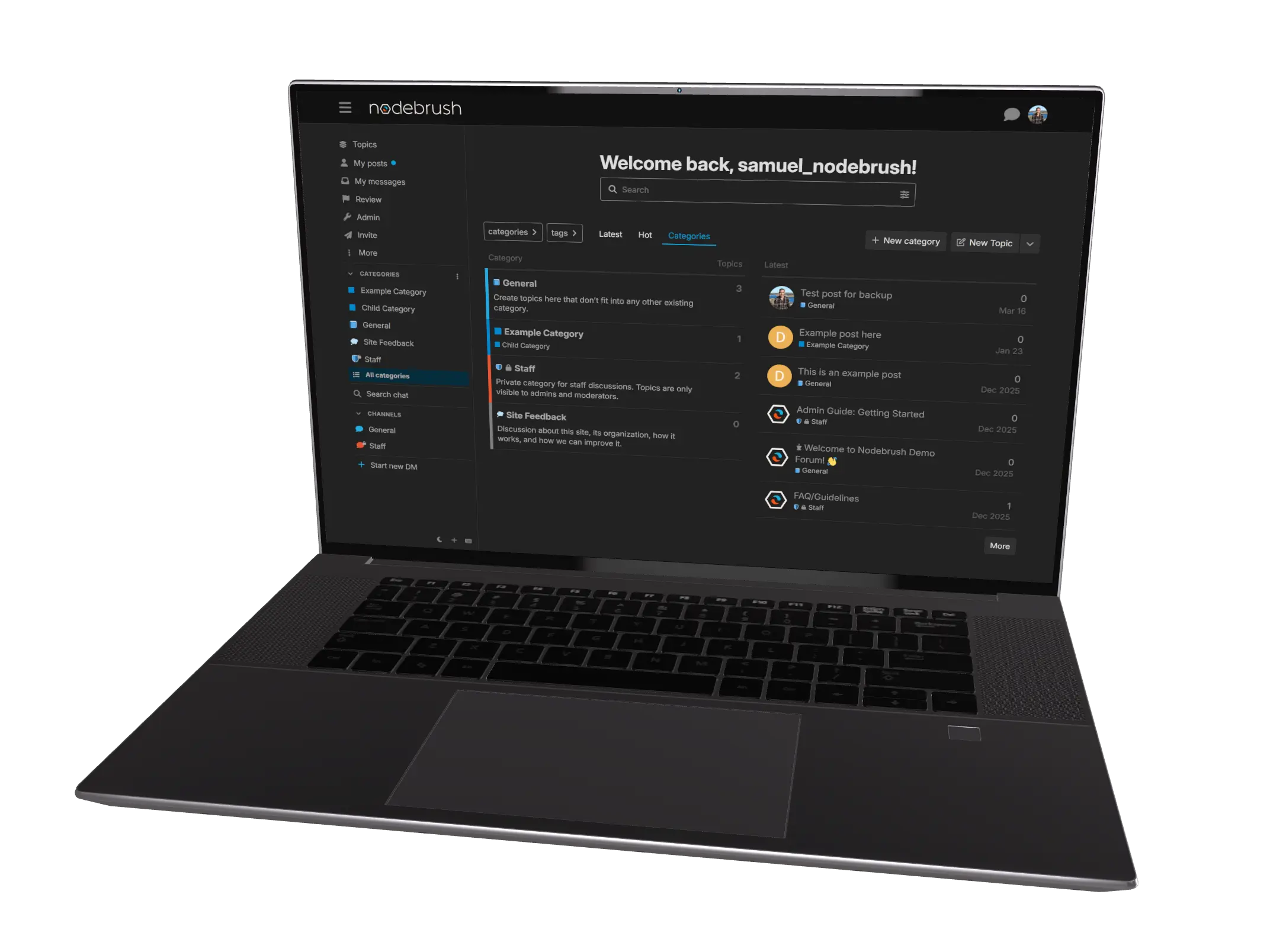
Svelteload Mockup

The stack behind every Nodebrush website

We build every client site on the same foundation, so each new project starts from something we already know is fast, editable, and maintainable. When we improve the foundation, every site we run picks up the upgrade at the next deploy.

What Svelteload is

SvelteKit renders the public site and Payload CMS handles the editing, with the database and every uploaded file on our own servers in Europe. Visitors get a fast site, editors get a familiar admin panel, and there are no per-document fees or vendor lock-in.
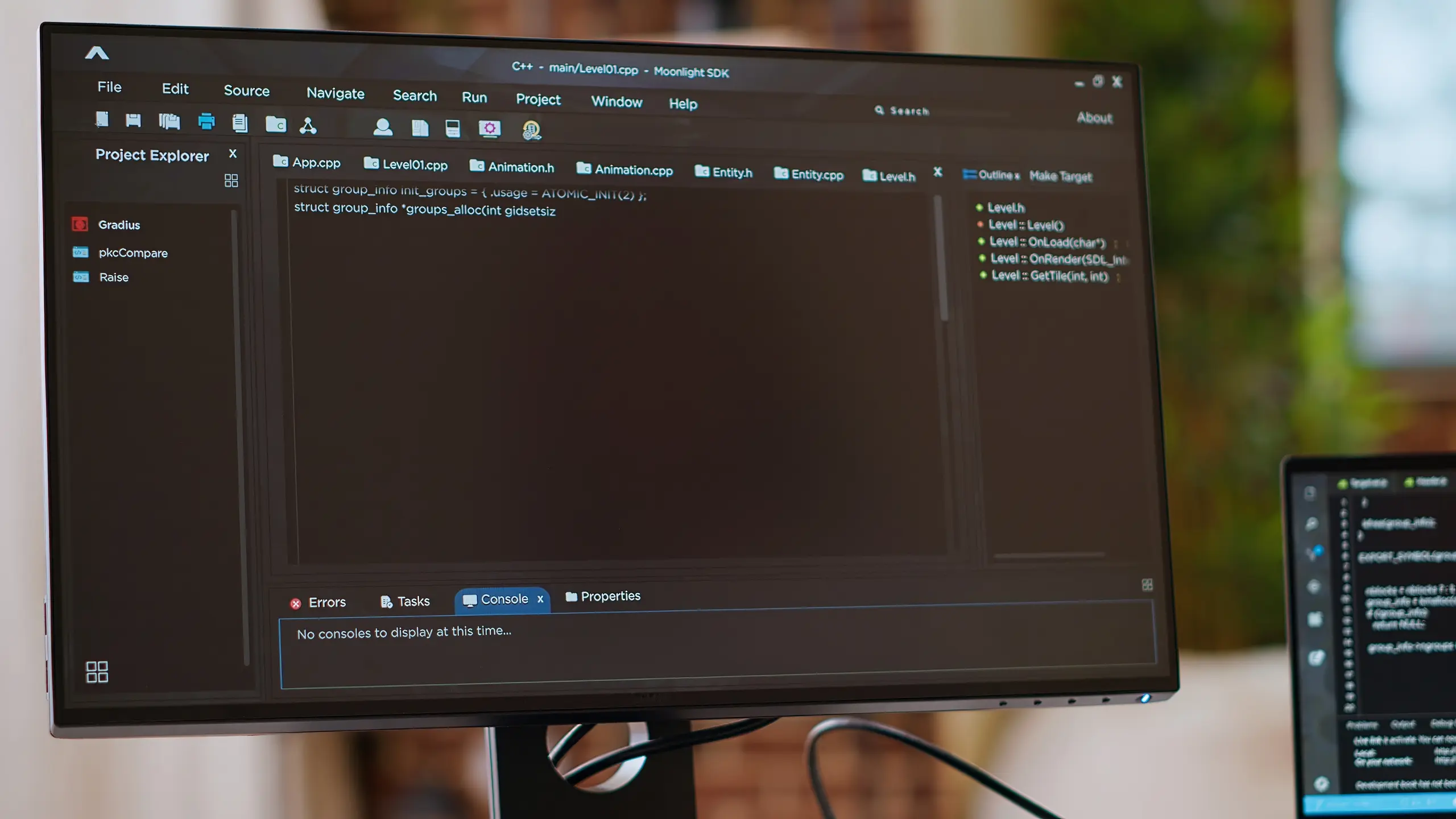
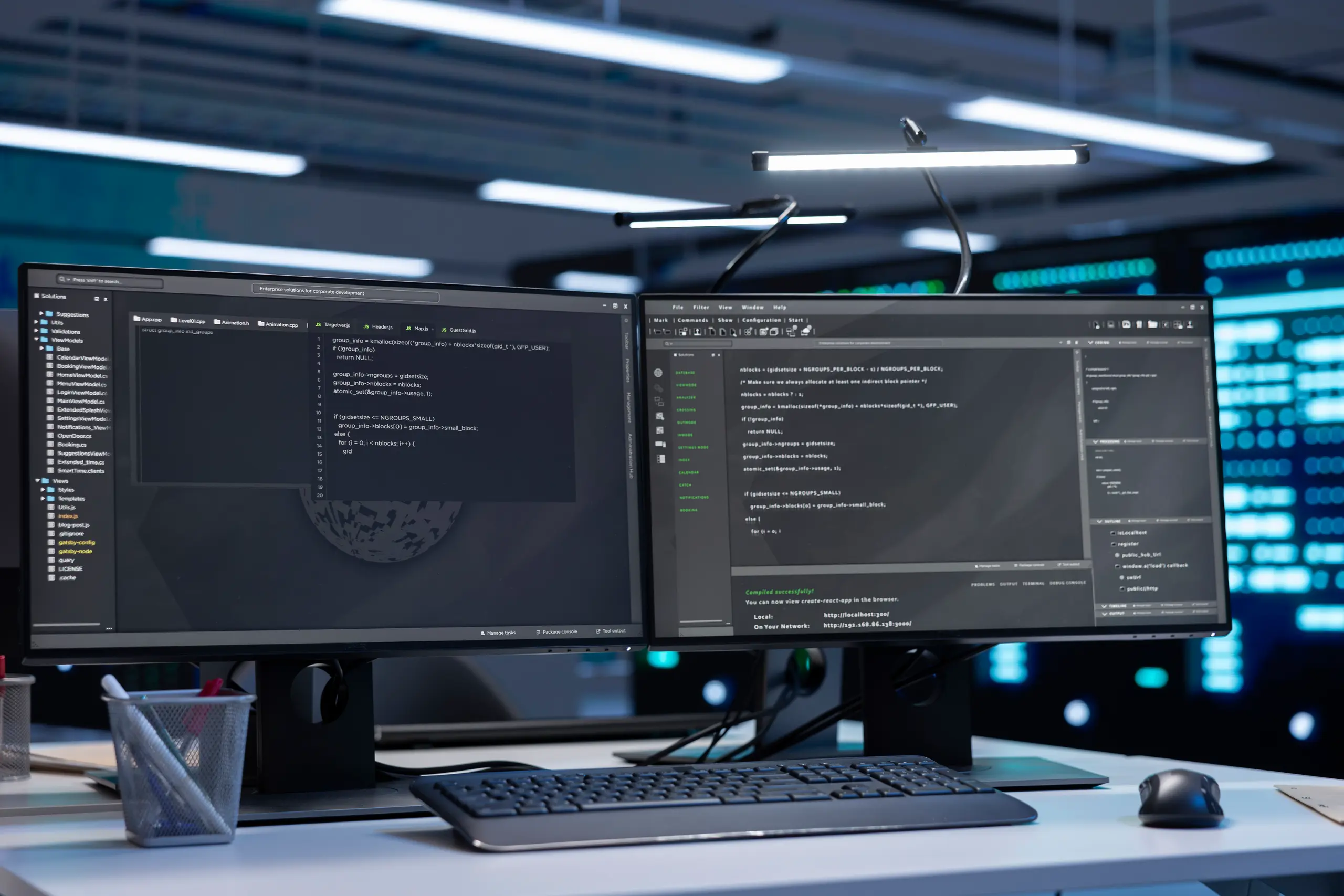
Development code on a monitor in a brick room

Editing day to day

An editor's week is mostly the same few moves. Build a page, get someone to sign off on it, write it in another language, and find it again six months later.

1
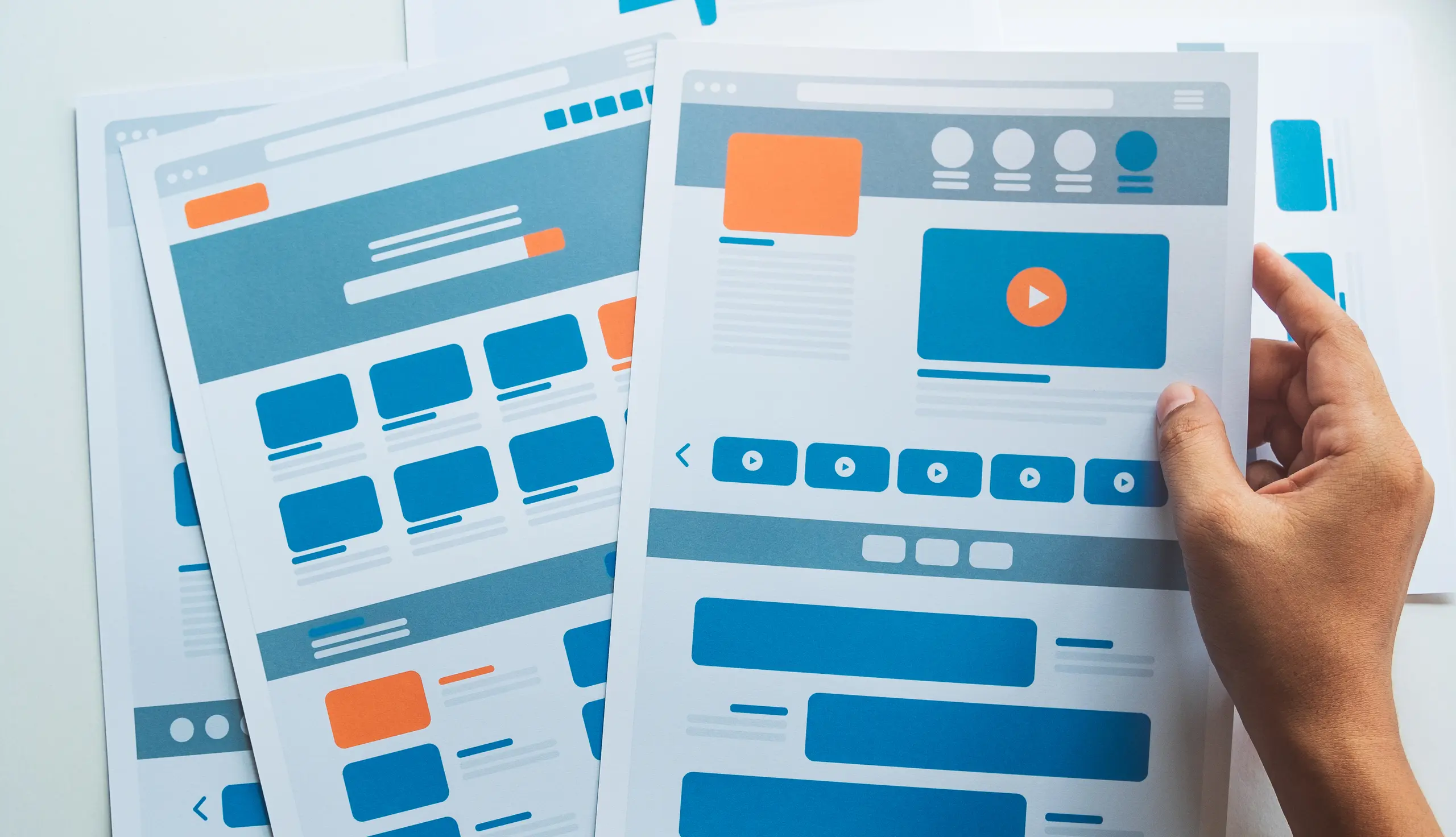
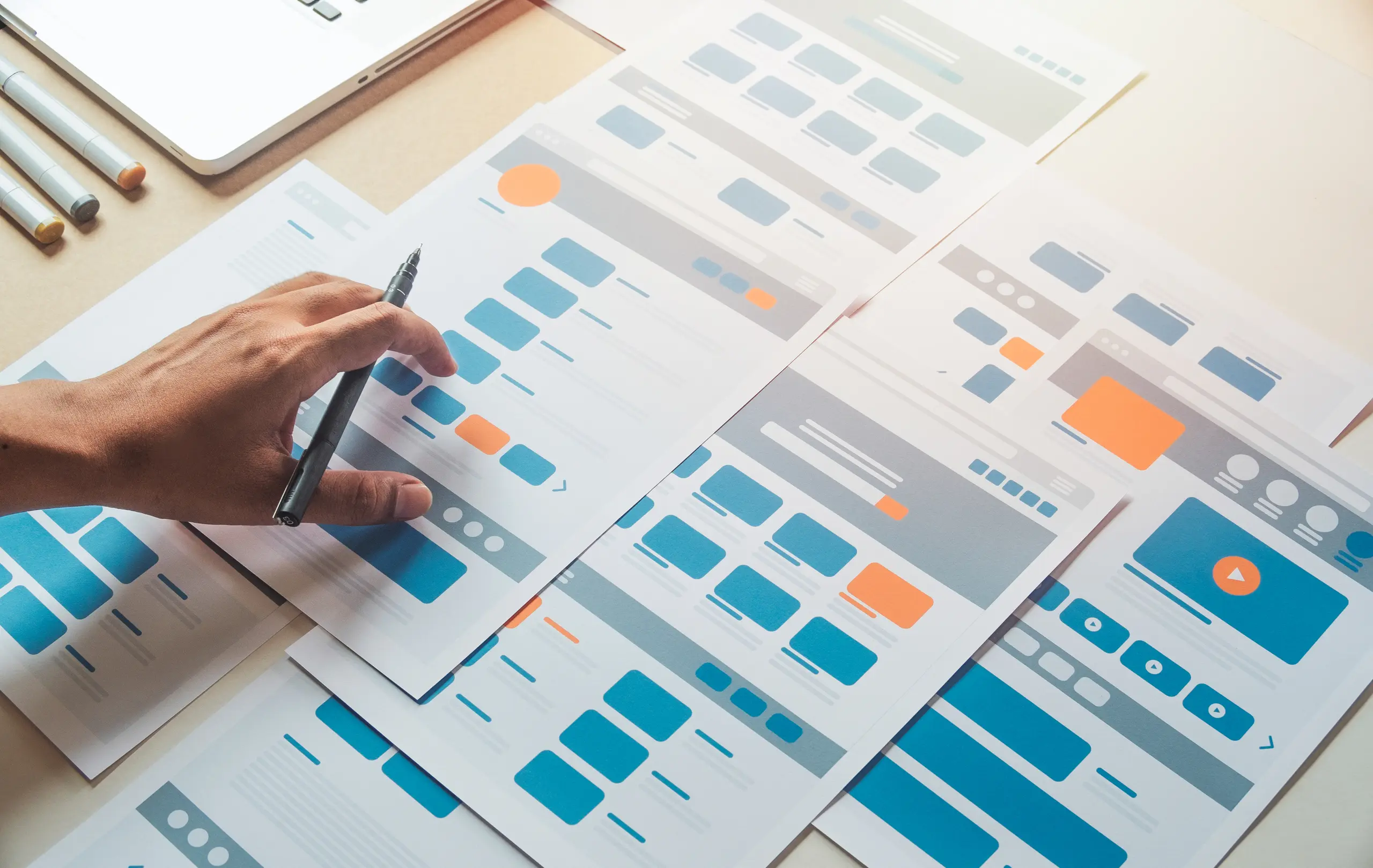
Person holding UI/UX design sheets

Block-based page editing

Pages are built from reusable section blocks such as heroes, banners, image grids, and contact forms. Editors drag, swap, and rearrange them without writing code or asking a developer.

2
Person holding coffee while working on UI/UX design

Preview and publish from the page

Editors copy a preview link for any draft and send it to anyone, no CMS account needed on the other end. The links expire by themselves. Sign in on that preview site and the publish button sits right on the page you are reading, so the final check and the go-live happen in the same place.

3
Laptop with data dashboard, dark background, angled left view

Roles and access

Five roles, each with a clear ceiling. Readers look but change nothing. Contributors write drafts and cannot publish. Editors own the content visitors see, pages, posts and media, but not the settings behind it. Agents are for AI assistants and are blocked from publishing and deleting outright. Admins have the whole CMS, including configuration and inviting new people by email.

4
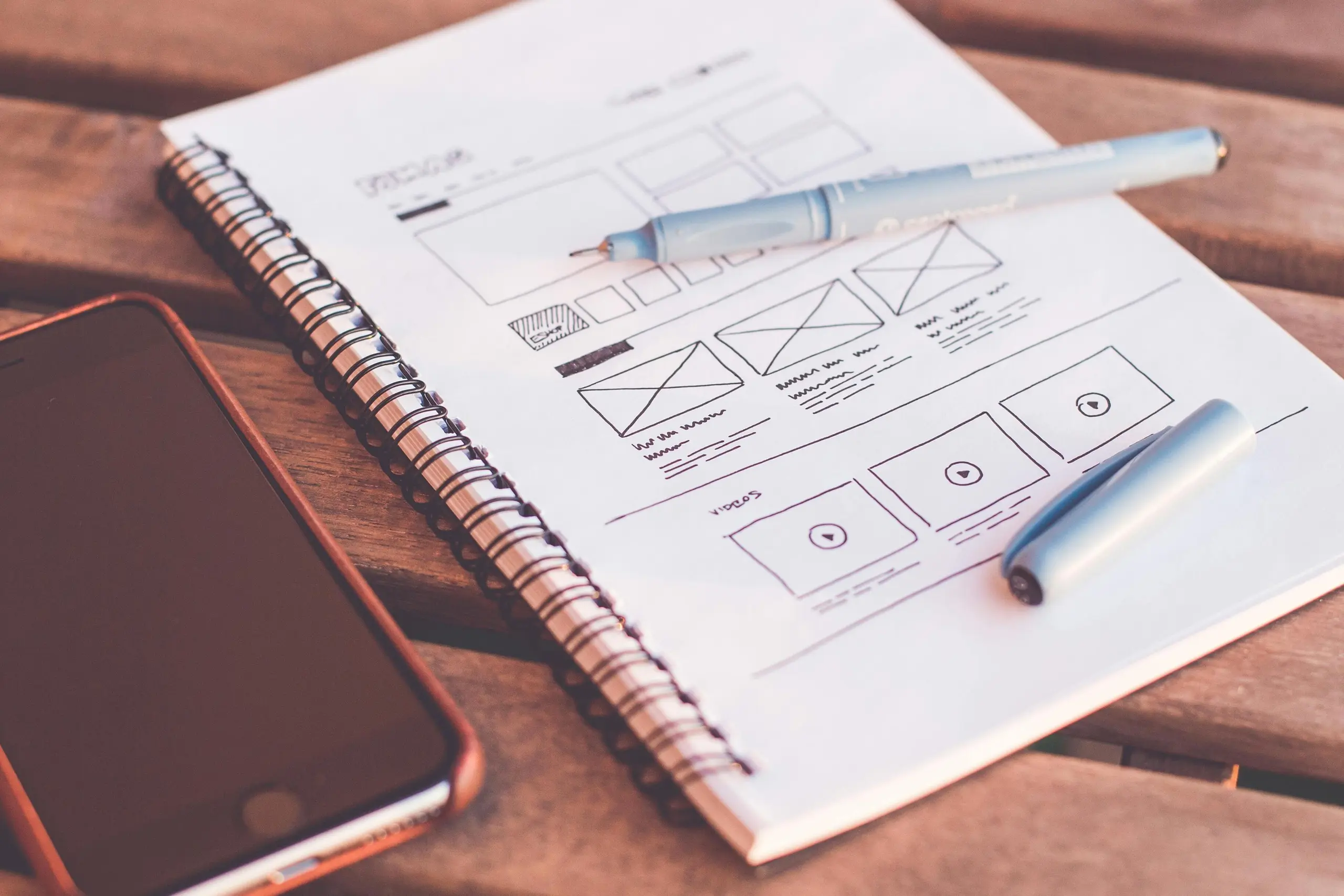
Notebook with pen and phone on a desk

Multilingual content

Every text field is translated language by language without splitting the site into separate copies. You pick the languages when the site is built, English and Swedish or any others your customers read. Editors switch between them from one dropdown.

5
Folded and stacked newspapers

Nothing left half-translated

A review screen lists every document alongside the languages it exists in, so a page missing one of its translations stops being invisible. Open one and it shows word by word what changed since the last time someone signed it off.

6
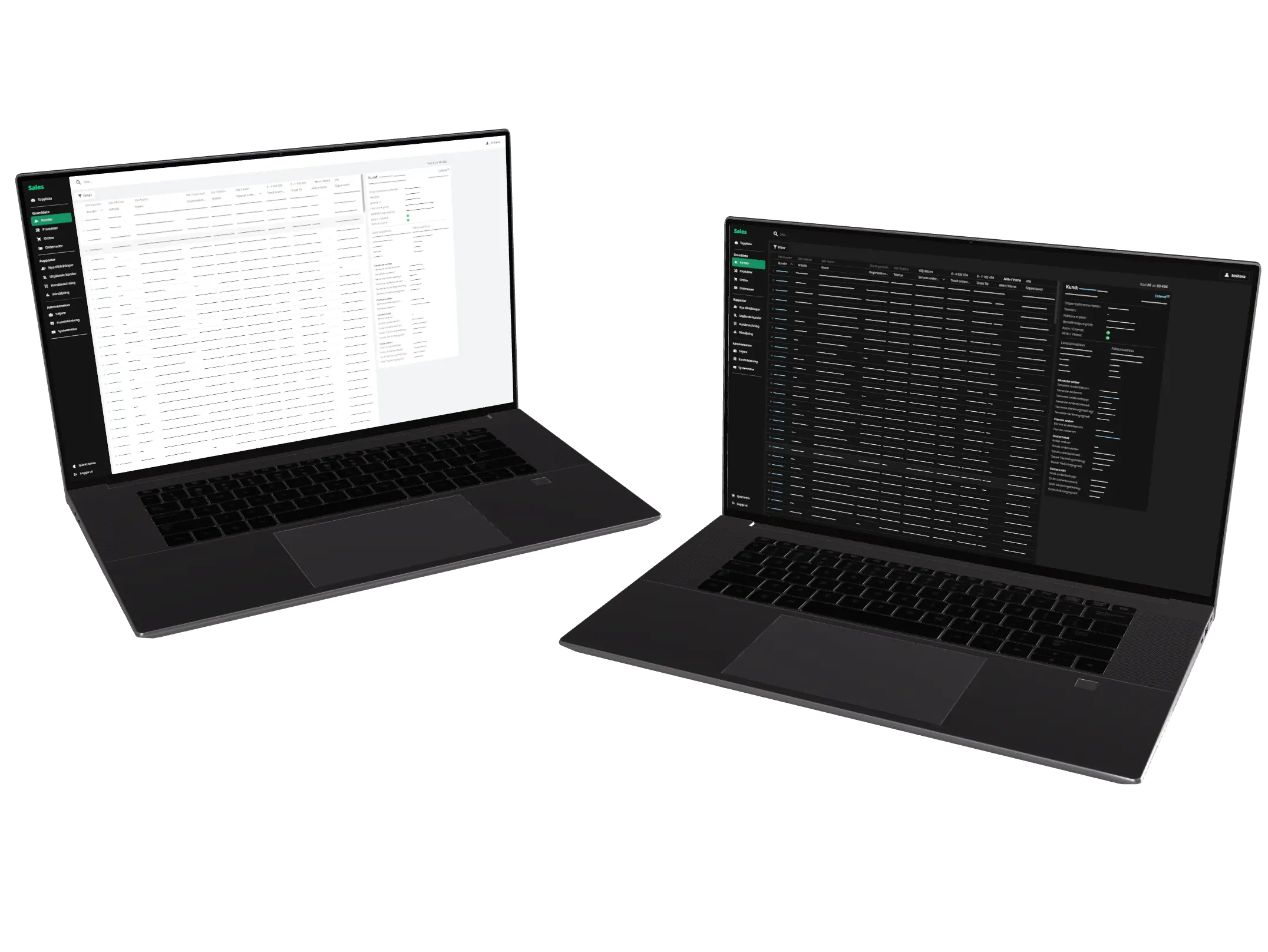
Laptop with a bright data dashboard

Built-in search

Pages and blog posts are searchable on the public site, ranked by relevance. No external search service to host or pay for.
7
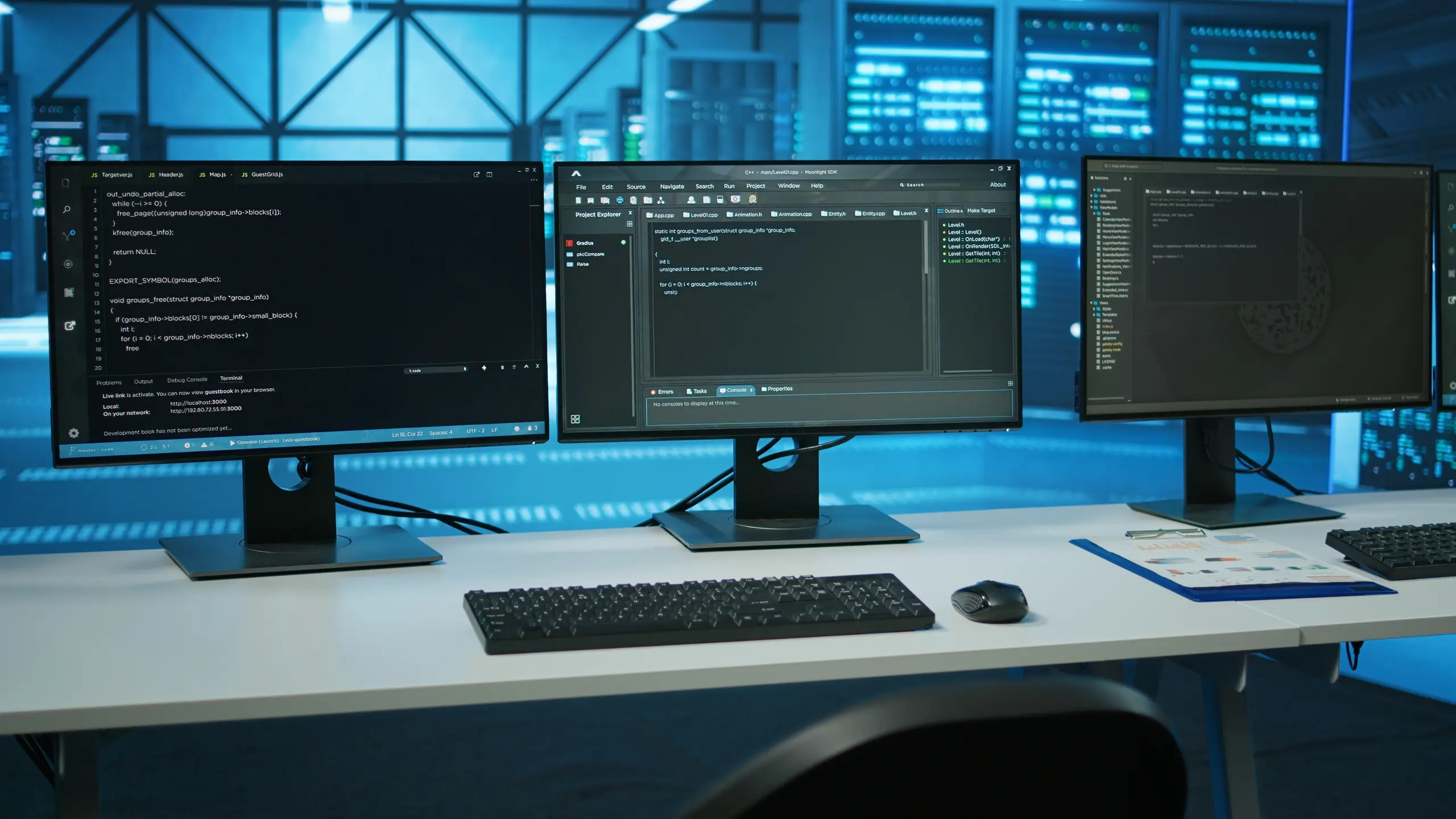
Three monitors showing code, front view in a data center

Self-hosted media

Uploads sit on our own object storage and are served from your own subdomain. Each file records where it is used across the site, so nobody deletes a picture that is still on a page, and stock photos carry their source link and licence document with them. No per-gigabyte egress fees and no third-party storage contract.

8
Laptop showing market growth chart with coffee and pen

URLs that survive a rename

Rename a published page and the old address keeps working. The redirect is staged when the draft diverges and goes live the moment the page is published, so search results and old links do not break in the window between the two.

One codebase, many sites

Maintenance and editing improvements roll out across every Svelteload site we run, not site by site. That keeps long-term running costs predictable, and a fix landed for one client benefits all of them at the next deploy.

Fast with AI, maintainable without it

Content work has plenty of tedium worth handing off, and none of it should cost you a codebase you can no longer read. We gave the CMS its own Model Context Protocol server, an open standard, so it works with whatever assistant you already use rather than tying you to one product. Underneath, the code stays ordinary, with clean components, typed fields and normal version control. Drop the assistant tomorrow and the site is still readable, editable and extendable by hand. Everything is backed up and portable, so the whole project can move to your own hosting whenever you decide to take it in-house.
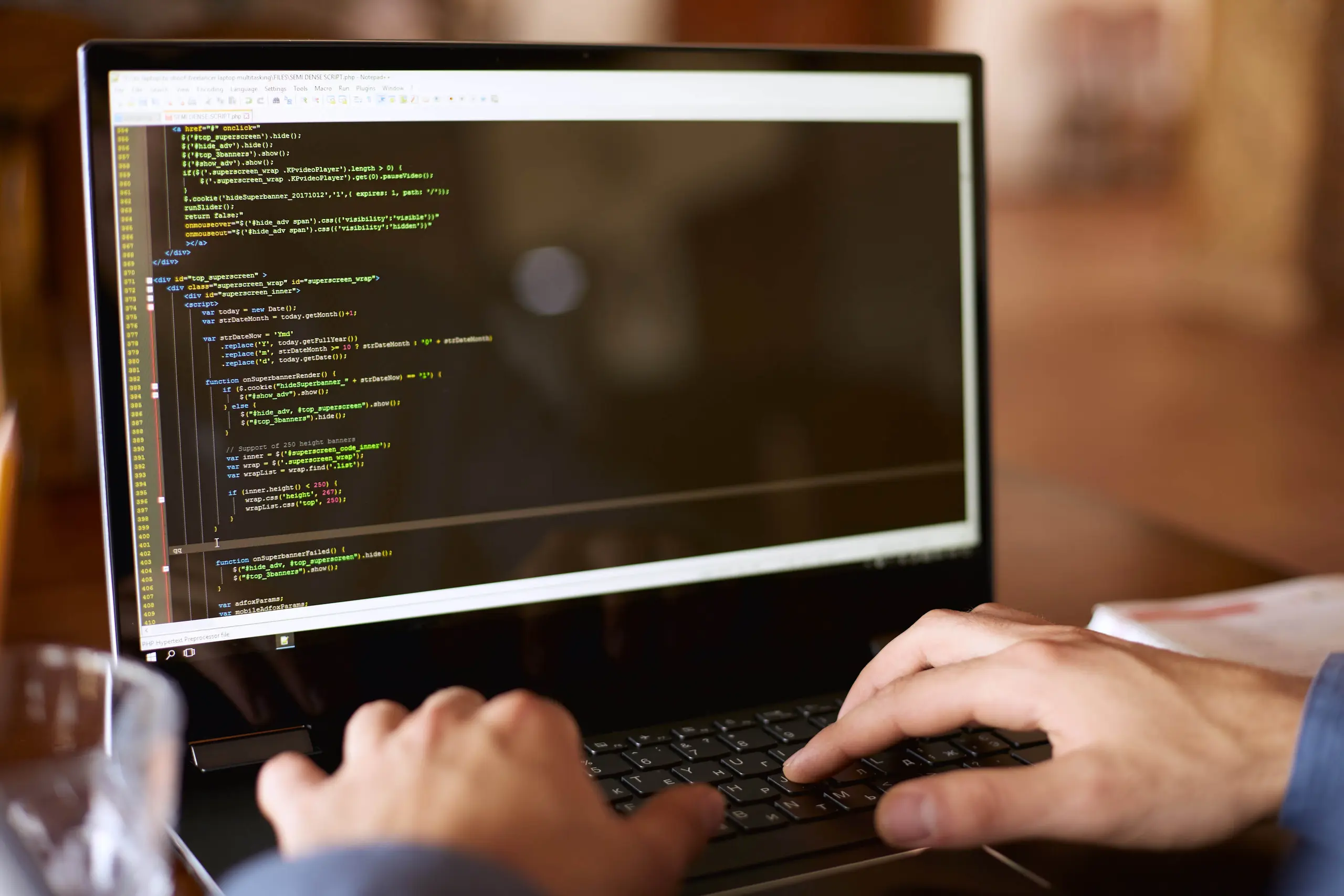
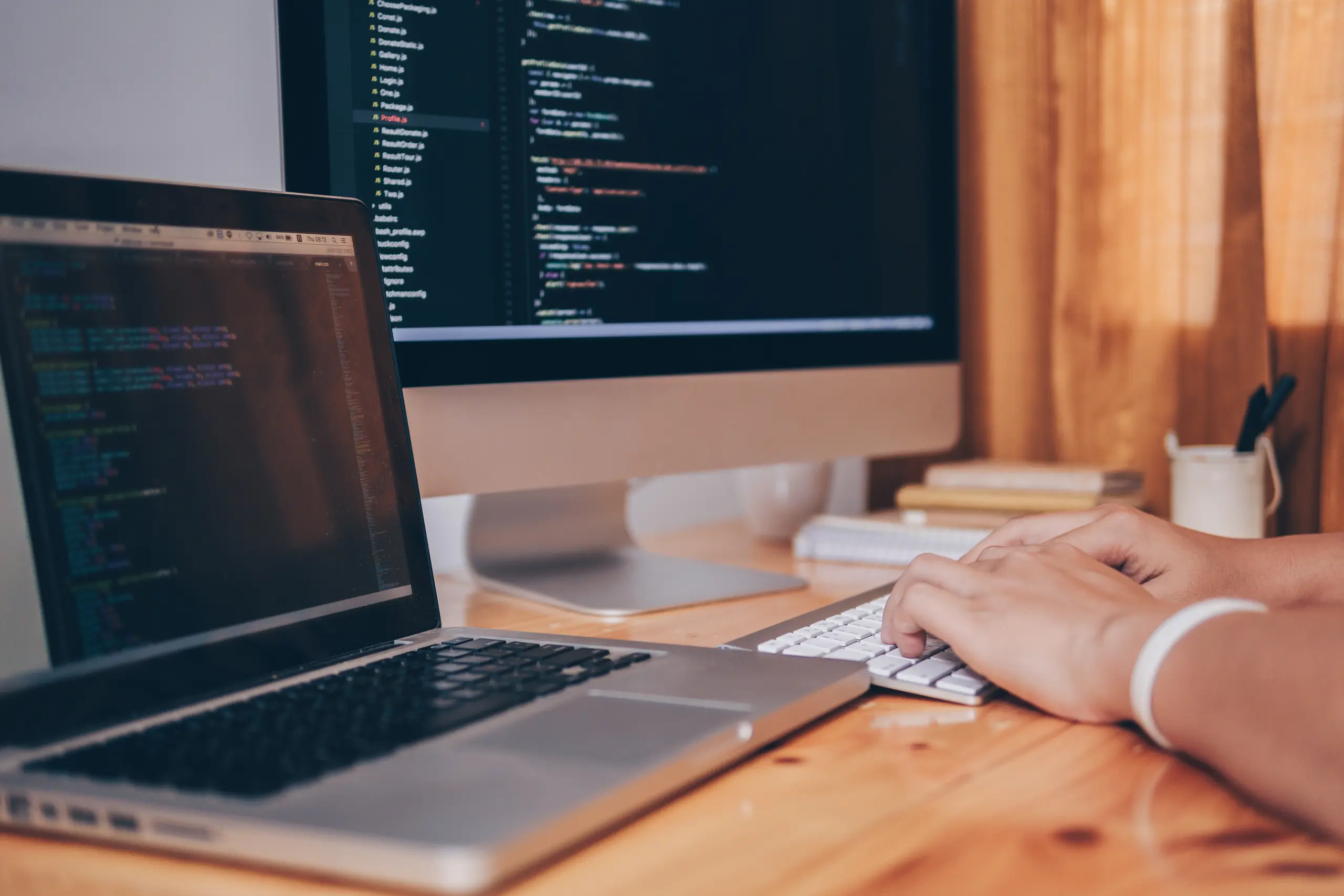
Developer typing code on a laptop

Editing by conversation

  1. Connects to the assistant you already use

    Sign in once with your CMS account and the site appears as a connector inside the assistant you already pay for. Nothing is installed on your machine, and the access can be withdrawn from the CMS at any time.

  2. Writes drafts, never publishes

    Every change the assistant makes lands as a draft. It cannot publish and it cannot delete. A person opens the preview, reads the page, and decides.

  3. Asks before removing anything

    A deletion request comes back as a link to the document's own page with a confirmation over it, so whoever removes something has read it first.

  4. Keeps every language in step

    Change a heading in one language and the assistant offers the matching change in the others before anything goes out, because publishing ships them all at once.

  5. Images without the filenames

    The assistant hands you an upload link, you drop the file into the browser, and it collects the image and places it on the page. Alt text is written for every language at the same time.

  6. Knows the shape of your content

    Each tool carries a typed description of what every field expects, so a wrong value is caught before it reaches the page rather than after.

Want us to build on this stack?

Svelteload is the default for every new Nodebrush project. Tell us what you want to build and we can take it from there.