

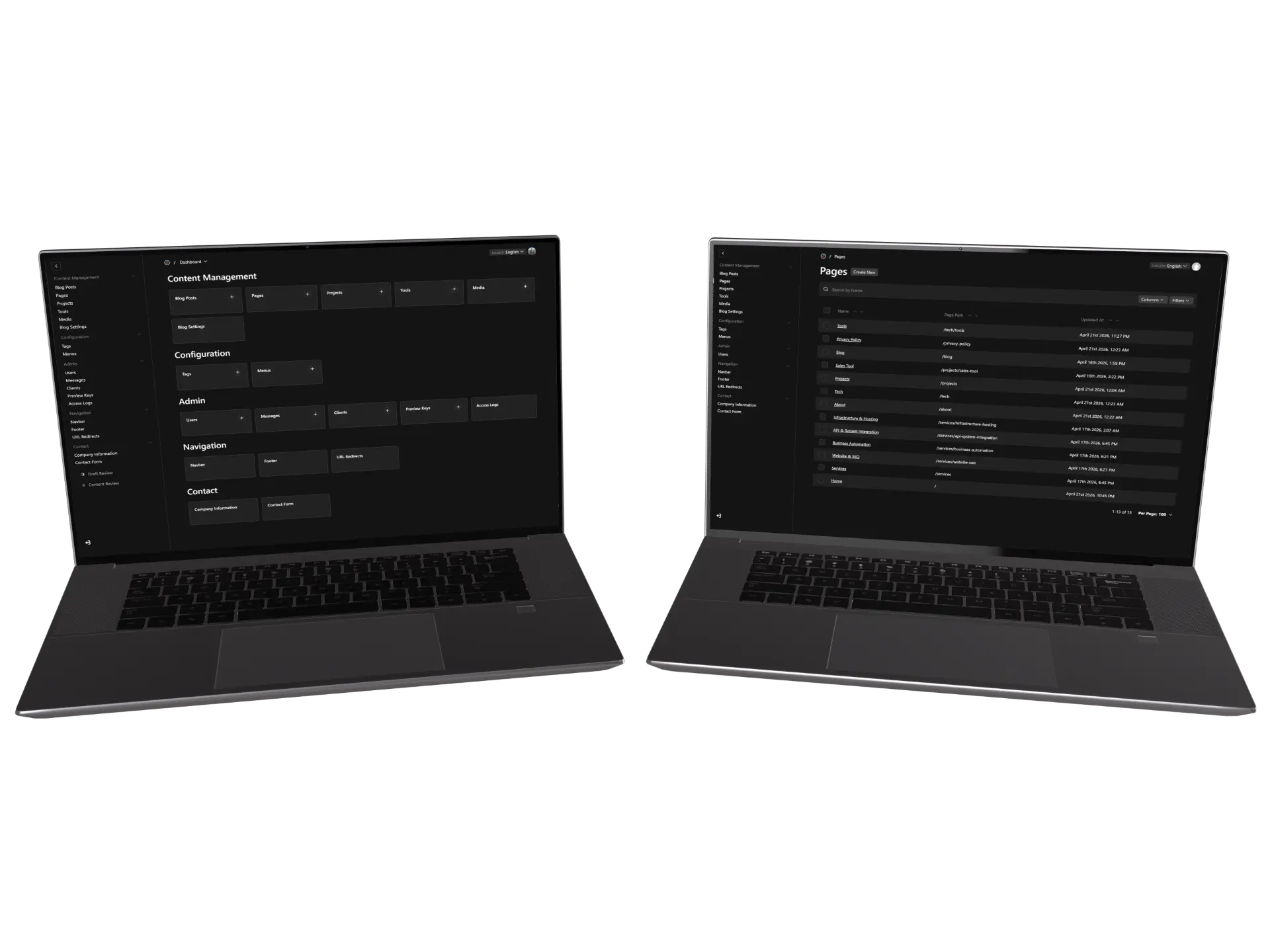
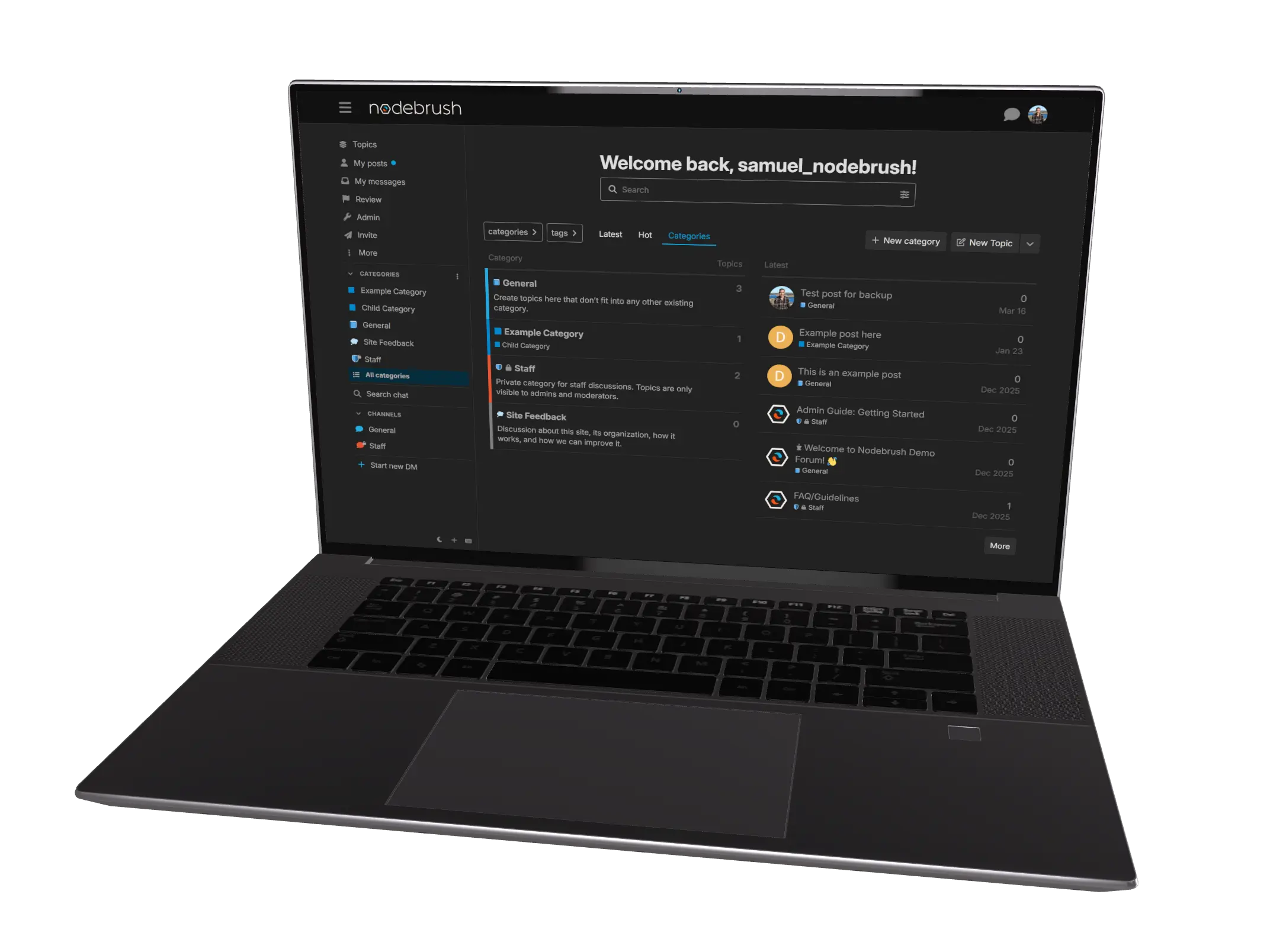

Payload MCP
An MCP wrapper around Payload CMS that gives compatible AI assistants typed access to content editing, schema inspection, and media browsing. Built by Nodebrush.
The brief
Large content migrations in a CMS are traditionally a grind. You either click through the admin panel row by row, or you write one-off scripts against the API. The Model Context Protocol gives AI assistants direct, typed access to tools, so we built a proper MCP server for Payload CMS. The result: content updates, schema inspection, and media browsing through natural conversation, with all of Payload's validation and access control still applied behind the scenes.

What we built
An open MCP server
Our MCP server speaks to Payload through its local API, so every change runs through the same validation, access control, and lifecycle hooks that apply to a human editor in the admin panel. No back doors, no shortcuts around the rules. The Model Context Protocol is an open standard, so the server works with any AI assistant that supports MCP, not just one specific product.

Typed tool schemas
Each tool ships with a typed schema that describes exactly what every collection expects. The assistant doesn't have to guess from documentation. It understands the shape of each collection at the moment of the call, so a wrong field type or a missing required value is caught up front rather than producing broken content.

Visual media browsing
The media tool generates contact sheets of every uploaded image on demand, so the assistant picks the right picture for a page or blog post by looking at it, not by guessing from filenames.

Drafts by default
Every write goes through Payload's draft system. The assistant proposes, a human reviews and publishes. The CMS stays the source of truth and nothing reaches the live site without a human in the loop.